Locate Us
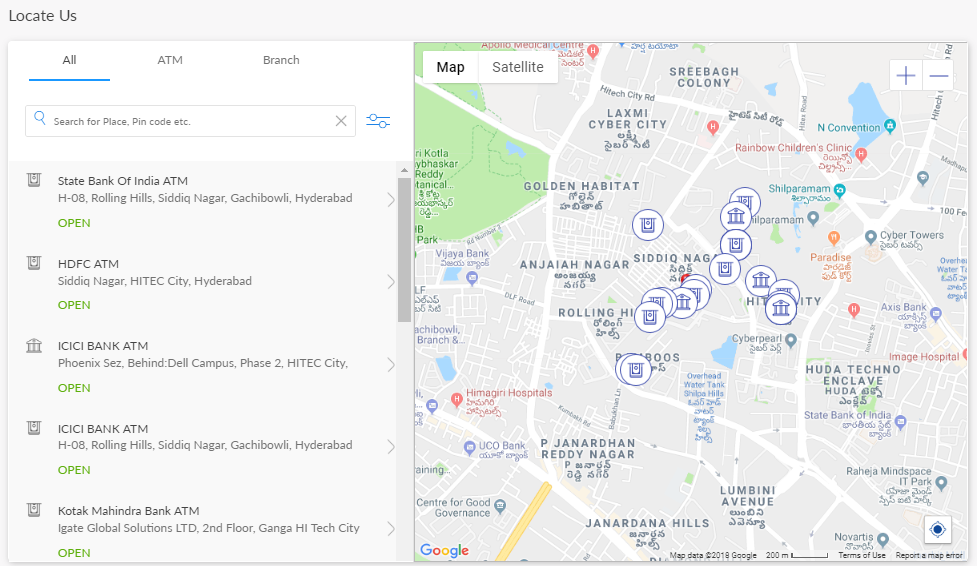
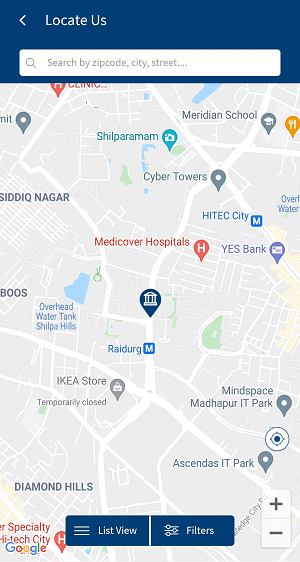
Use the feature to find the bank branches and ATMs. By default, the app displays the nearest ATM of your bank on the Maps screen. When you use this feature for the first time, the app prompts you to enable your Location setting. If your device's Location setting is turned off, then the app displays the default map page (with the bank's main branch city locations). If no results are found, the app displays an appropriate native alert.
Menu path: Online Banking
From the side menu, you can click About Us > Locate Us. Alternatively, you can click Locate Us from the footer of the sign in page and any page displayed after you sign in to the application.
Menu path: Mobile Banking
From the bottom menu, tap Menu > Locate Us. Alternatively, you can tap Locate from the footer of the sign in page.
Use the feature to locate a nearest ATM or branch based on your device's current location.
In this topic
